 Quick Look
GuardaSave
Comparte una imagen o un texto desde cualquier app y elige Quick Look, o escribe una nota directamente en la app.
Share an image or some text from any app and choose Quick Look, or write a note right in the app.
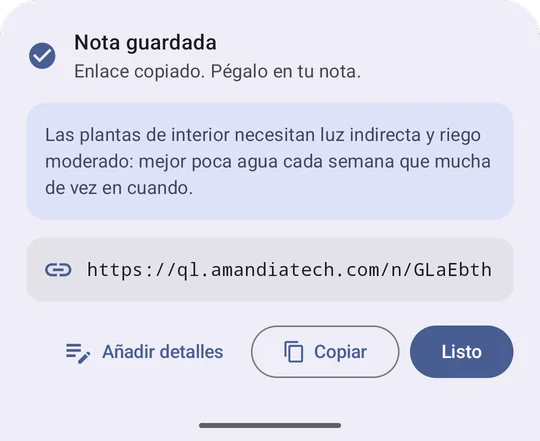
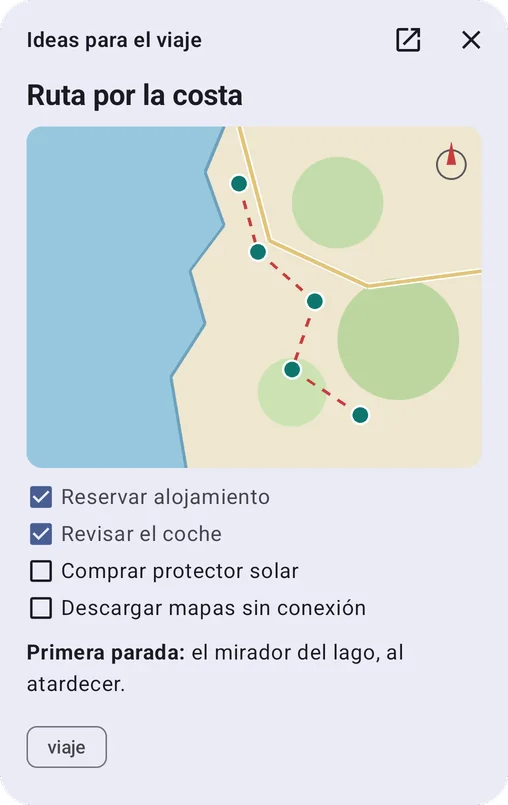
Guarda una imagen o escribe una nota y obtén un enlace corto. Pégalo en tus apuntes, en un documento o en un mensaje: al tocarlo, el contenido aparece flotando sobre lo que estás leyendo, sin cambiar de aplicación.
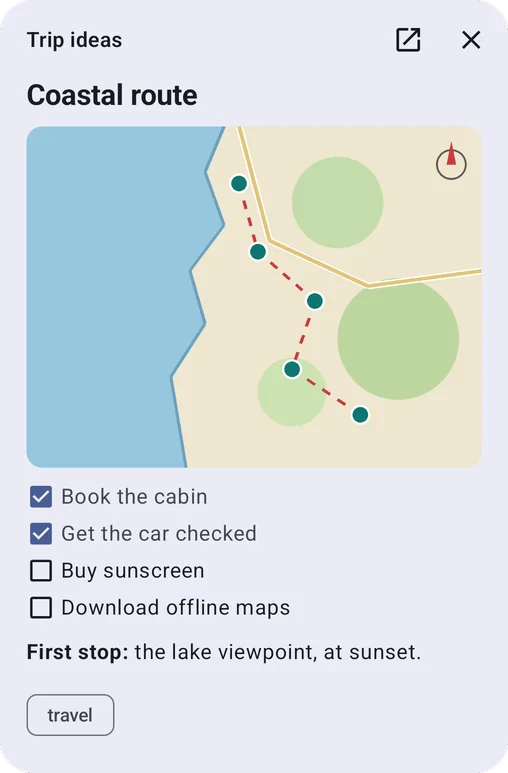
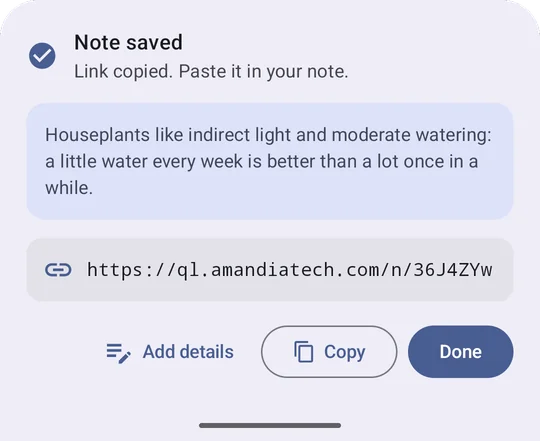
Save an image or write a note and get a short link. Paste it in your notes, a document or a message: tap it and the content appears floating over what you're reading, without switching apps.
Para Android 10 o posterior. Próximamente en Google Play.For Android 10 or later. Coming soon to Google Play.
Quick Look convierte cualquier imagen o texto en un enlace que puedes llevar a cualquier app que acepte texto. El enlace no descarga nada de Internet: solo abre Quick Look.
Quick Look turns any image or text into a link you can take to any app that accepts text. The link doesn't download anything from the internet: it just opens Quick Look.
Comparte una imagen o un texto desde cualquier app y elige Quick Look, o escribe una nota directamente en la app.
Share an image or some text from any app and choose Quick Look, or write a note right in the app.
El enlace se copia solo. Pégalo en tus notas, en un documento o en un chat contigo mismo.
The link is copied for you. Paste it in your notes, a document or a chat with yourself.
Salir temprano y parar a desayunar en el pueblo.
La ruta completa: ql.amandiatech.com/n/Vq5sL2e
Llevar la cámara.
Leave early and stop for breakfast in town.
The whole route: ql.amandiatech.com/n/Vq5sL2e
Bring the camera.
La imagen o la nota se abre flotando encima. Amplíala, marca casillas y ciérrala: sigues justo donde estabas.
The image or note opens floating on top. Zoom in, tick boxes and close it: you're right where you left off.
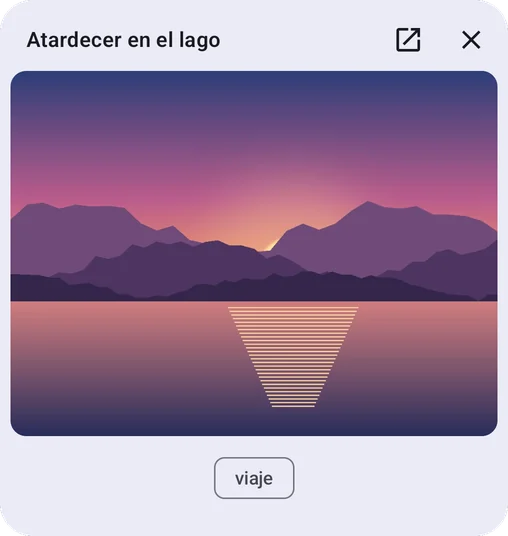
Se abre sobre la app que estás usando, con fondo translúcido. Un toque fuera y desaparece.
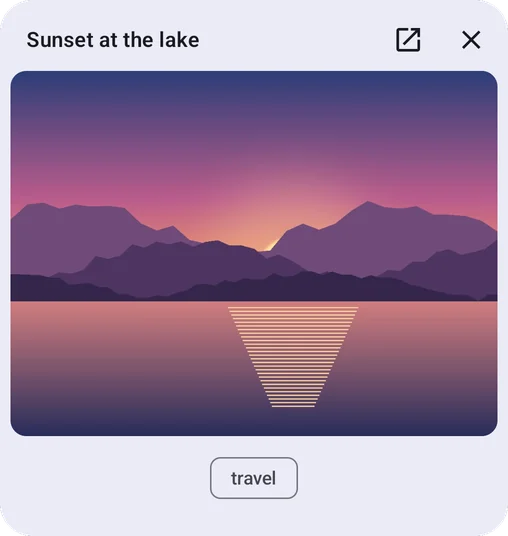
Opens over the app you're using, on a see-through backdrop. Tap outside and it's gone.
Títulos, negrita, listas, citas y casillas que puedes marcar desde el visor. Con barra de formato: no necesitas saber Markdown.
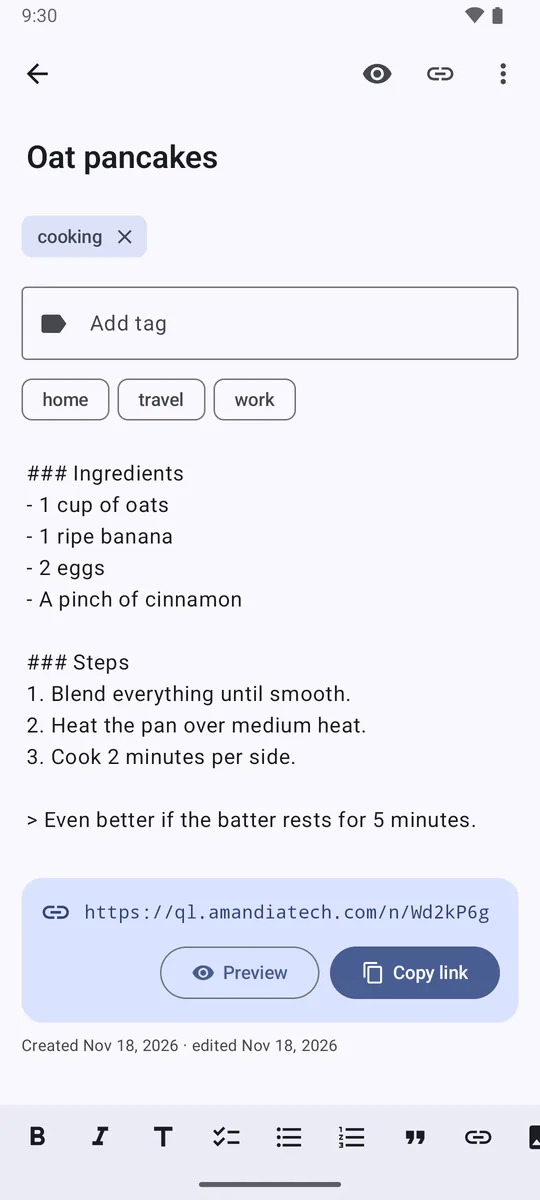
Headings, bold, lists, quotes and checkboxes you can tick from the viewer. With a formatting bar: no Markdown knowledge needed.
Pellizca o toca dos veces para ver el detalle de un mapa, un diagrama o una captura.
Pinch or double-tap to see the detail of a map, a diagram or a screenshot.
Inserta imágenes dentro de una nota o enlaza otras notas; se abren dentro del mismo visor, con botón Atrás.
Put images inside a note or link to other notes; they open in the same viewer, with a Back button.
Organiza tu biblioteca con etiquetas, fíltrala por imágenes o notas y busca por título, texto o etiqueta.
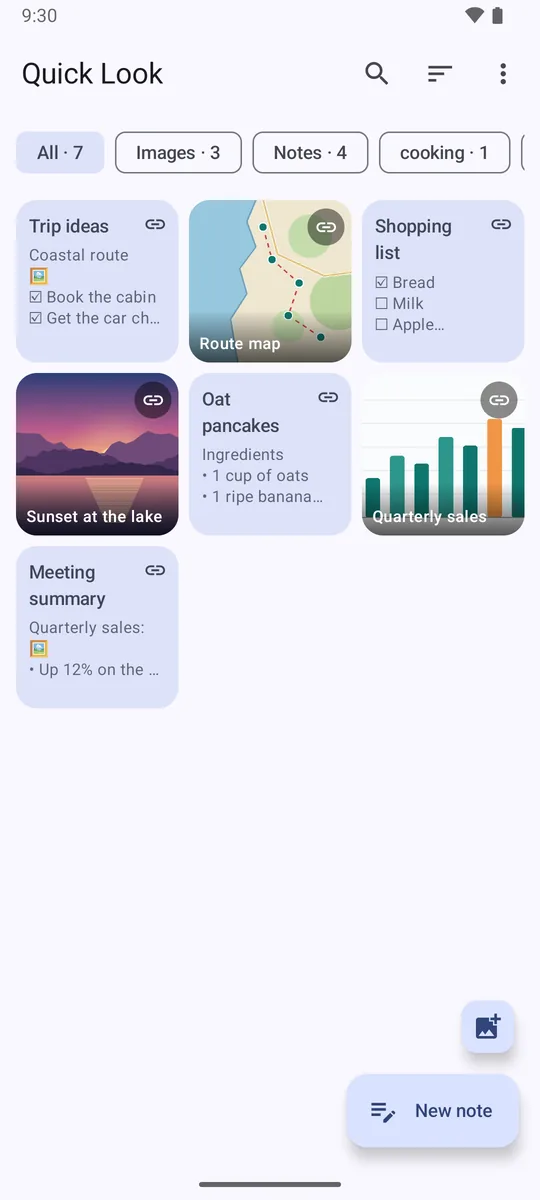
Organize your library with tags, filter by images or notes and search by title, text or tag.
Funciona sin conexión y sin registrarte. Lo que guardas se queda en tu dispositivo.
Works offline and without signing up. What you save stays on your device.
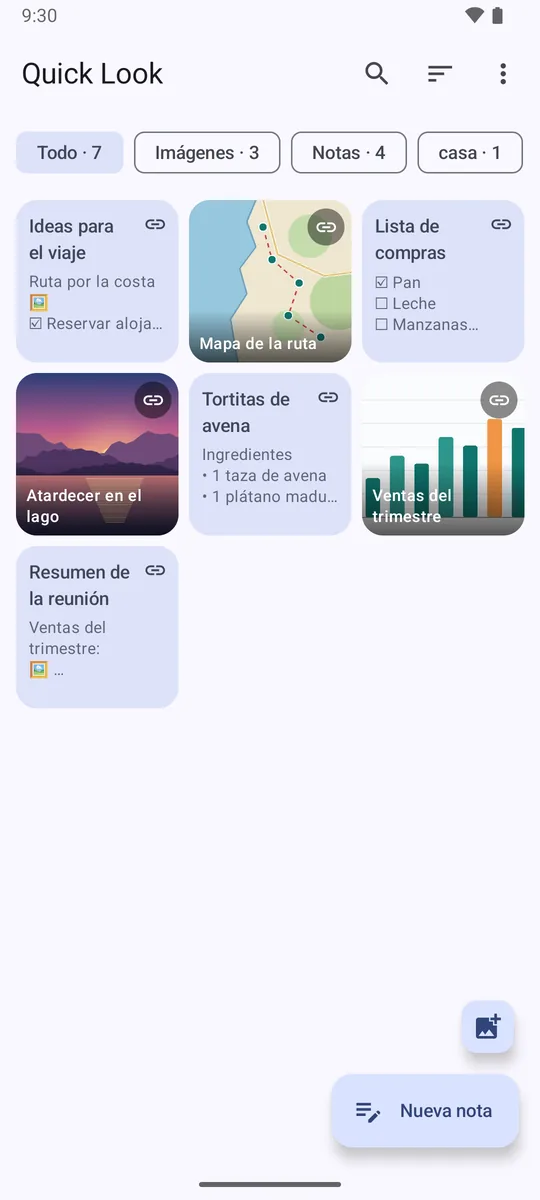
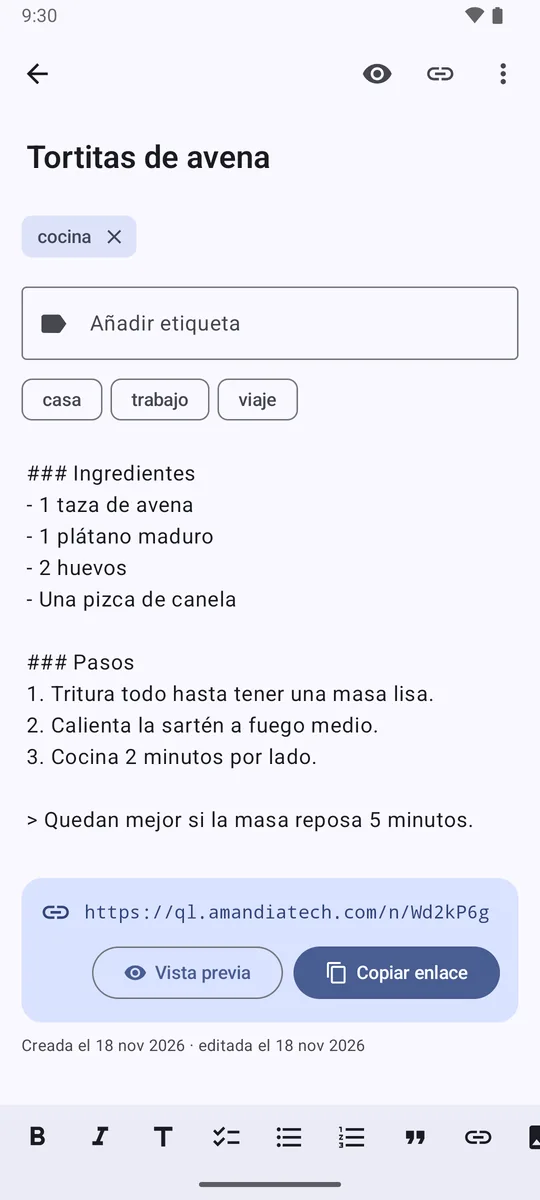
Si usas el teléfono y la tableta, conecta tu cuenta de Dropbox: tu biblioteca será la misma en ambos y un enlace que pegaste en uno se abre en el otro.
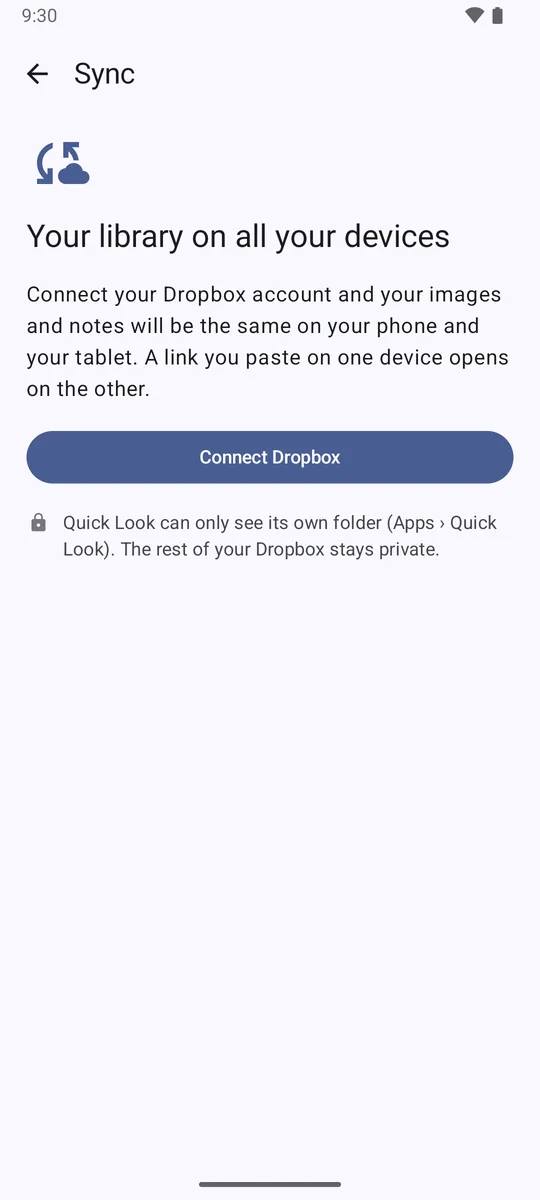
If you use a phone and a tablet, connect your Dropbox account: your library will be the same on both, and a link you pasted on one opens on the other.
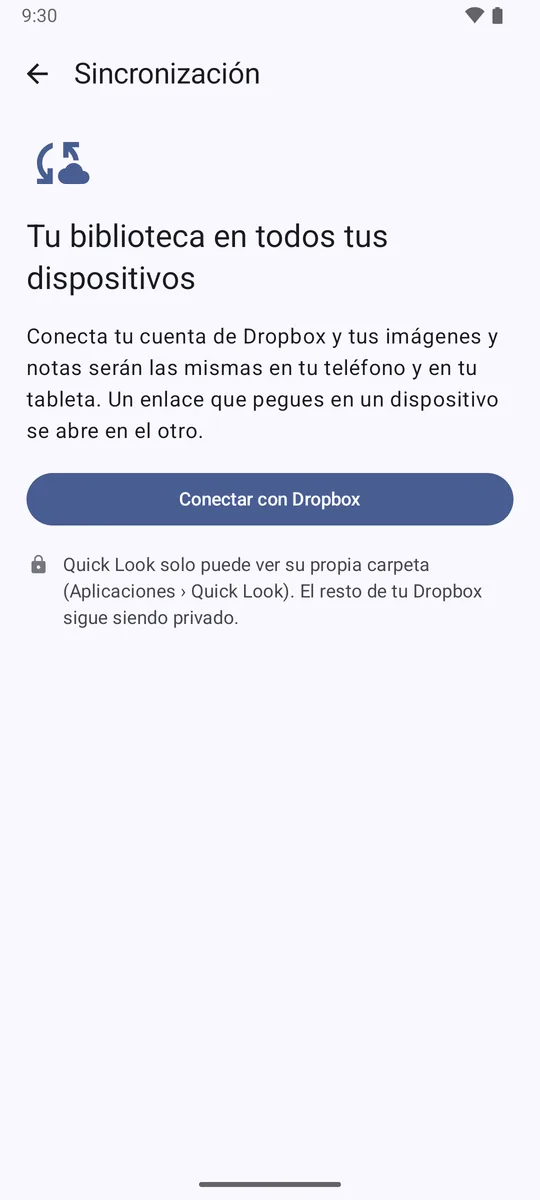
Quick Look no tiene servidores que guarden tu contenido. Todo se queda en tu dispositivo y, si activas la sincronización, en tu propio Dropbox.
Quick Look has no servers that store your content. Everything stays on your device and, if you turn on sync, in your own Dropbox.
Leer la política de privacidadRead the privacy policy